Art AR viewer
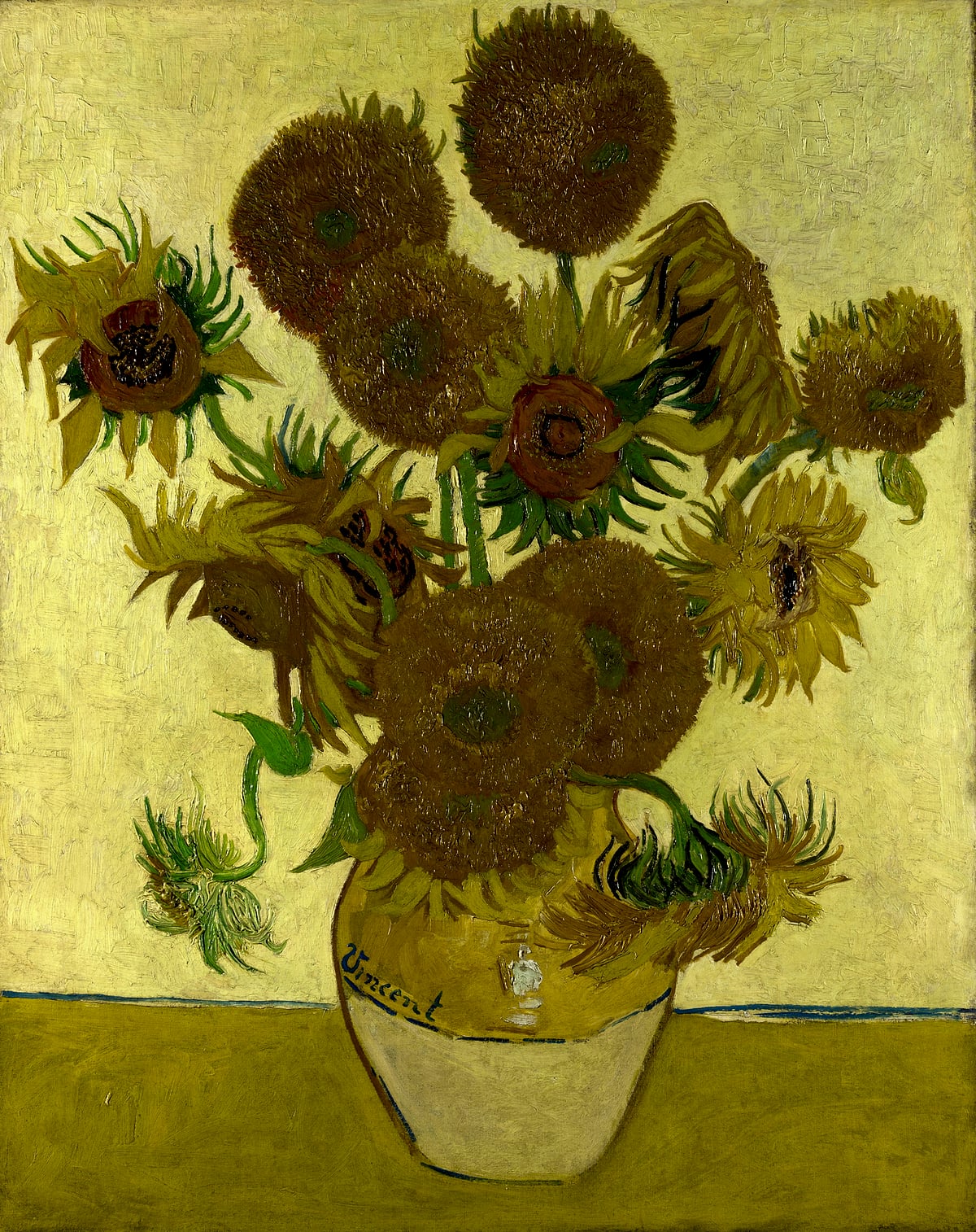
Every painting becomes a 3D file that opens in AR on an iPhone or iPad. Point the camera at a wall and the painting hangs there at the size it really is.
- 01
One tap on iPhone
Each scan has a USDZ file. It opens in AR Quick Look on any iPhone or iPad. Nothing to install.
- 02
Real size, set once
You give the size in millimetres when you scan. The AR view, the 3D view and the room all use the same number.
- 03
No wall nearby? Use a photo
Pick one of twelve rooms, or drop a photo of your own wall. The painting sits in perspective, and you can save the picture.